

Latest Version
PROMOTINO LTD OOD
Security
iOS
Free
1457080189
Report a Problem
More About DrivePassword Password Manager
A New Approach to Private Credential Storage
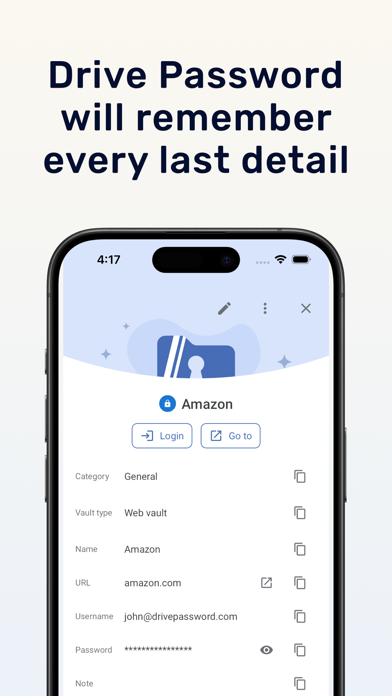
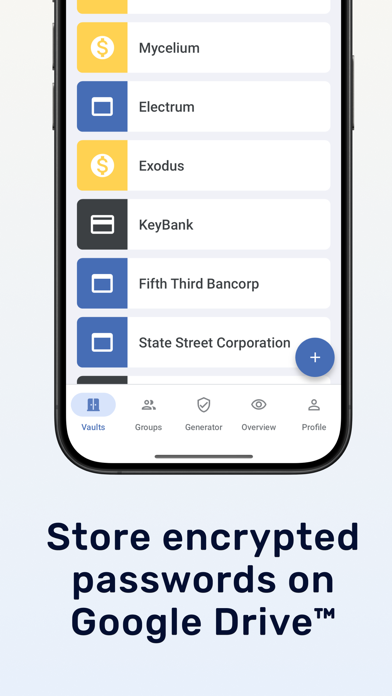
The DrivePassword Password Manager offers a distinct approach to digital security by utilizing your personal Google Drive™ storage as its primary database. Developed by PROMOTINO LTD OOD, this utility is built specifically for users who want absolute control over where their sensitive credentials reside, eliminating the need to trust third-party proprietary servers with their private vaults.
How the Integration Works
Rather than maintaining an external cloud infrastructure, the DrivePassword Password Manager encrypts your data locally on your iOS device using military-grade AES-256 encryption. This encrypted file is then synced directly to your Google Account. Because the decryption keys remain strictly on your local device, neither the developer nor Google can view your stored secrets. This zero-knowledge architecture ensures total data sovereignty for individuals and teams alike.
Key Features & Capabilities
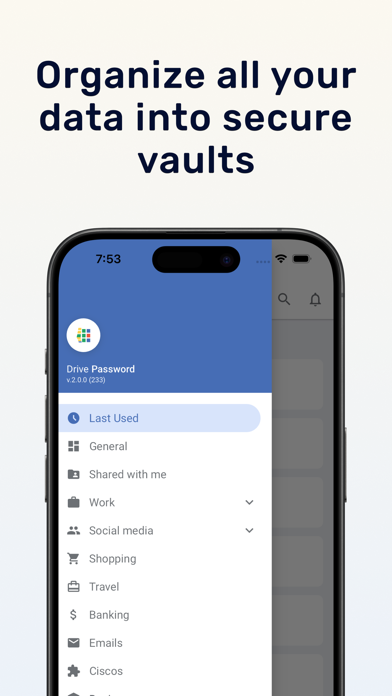
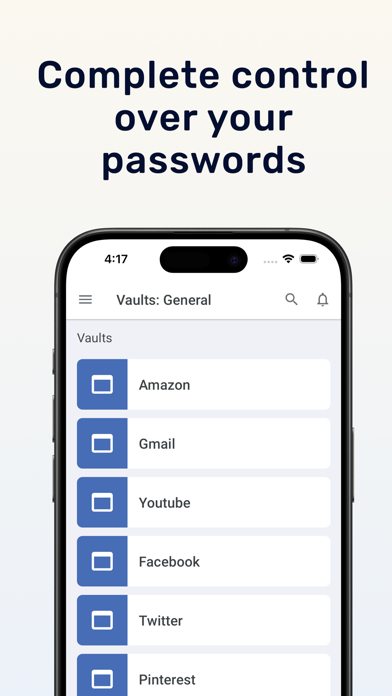
- Unlimited Nested Folders: Organize your credentials with an endless hierarchy of categories and subfolders for meticulous cataloging.
- Built-In Password Generator: Instantly create complex, highly secure keys to replace weak, repetitive passwords.
- Robust Import & Export: Migrating to or from the platform is straightforward, supporting data movement from various alternative managers.
- Multi-Factor Authentication: Secure your vault access with secondary authentication methods, including pattern locks, custom master passwords, or 2FA.
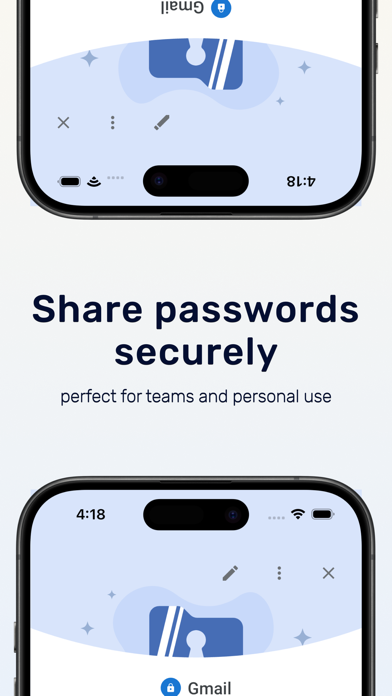
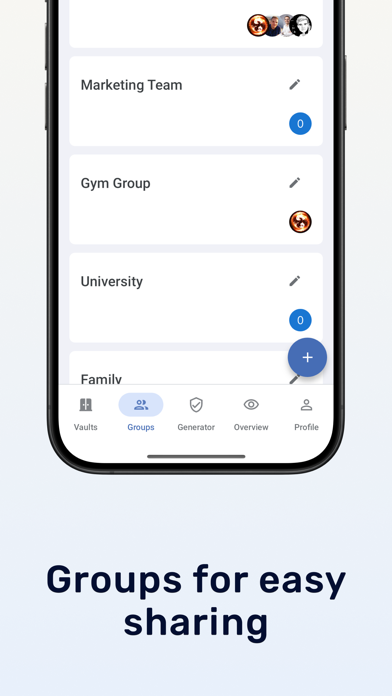
- Granular Team Sharing: Safely share specific categories, login credentials, or backup keys with coworkers or family members while retaining full access control.
Who is This Security Tool For?
This platform is ideal for professionals, collaborative teams, and families already deeply integrated into the Google ecosystem. By leveraging existing Google accounts, onboarding is incredibly simple. Team administrators will appreciate the precise permission controls, allowing them to dictate exactly who can view or edit shared corporate logins. With priority support options and simplified sharing workflows, it operates seamlessly as an enterprise-grade utility.
Our Verdict
If you prefer to maintain complete custody of your encrypted data within your own cloud storage, this application provides an elegant, highly structured solution. To explore its features and set up your secure vault, visit the official App Store page to get started with the DrivePassword Password Manager on your iOS device.
Rate the App
User Reviews
Other Apps in This Category

Popular Apps






Editor's Choice