

Latest Version
Sonny Piers
Education
Linux
Free
re.sonny.Retro
Report a Problem
More About Retro
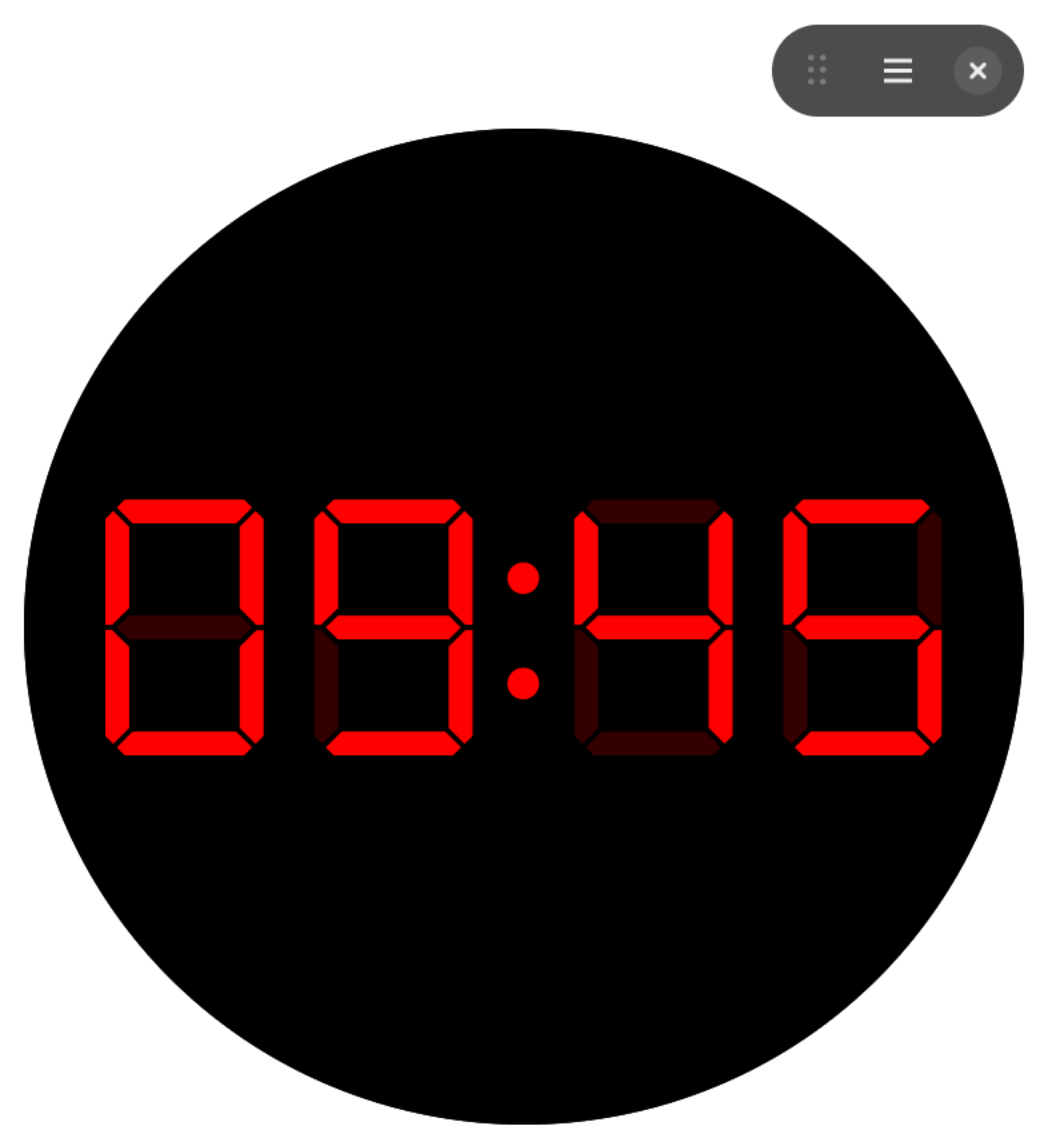
In a world of cluttered desktop environments, keeping track of time without losing focus can be surprisingly difficult. Default system clocks are often tiny, tucked away in system trays, or completely obscured by your active windows. The Retro digital segment clock solves this daily annoyance by bringing a highly visible, beautifully minimalist timepiece directly to your Linux desktop.
What is the Retro Digital Segment Clock?
Developed by Sonny Piers, Retro is an open-source utility designed specifically for Linux users who appreciate clean aesthetics and functional desktop widgets. It serves as a dedicated timekeeping companion that can scale to your exact needs—whether you want a massive full-screen clock for an idle secondary monitor or a subtle, compact floating widget to keep you on schedule during deep work sessions.
Key Features of this Desktop Timepiece
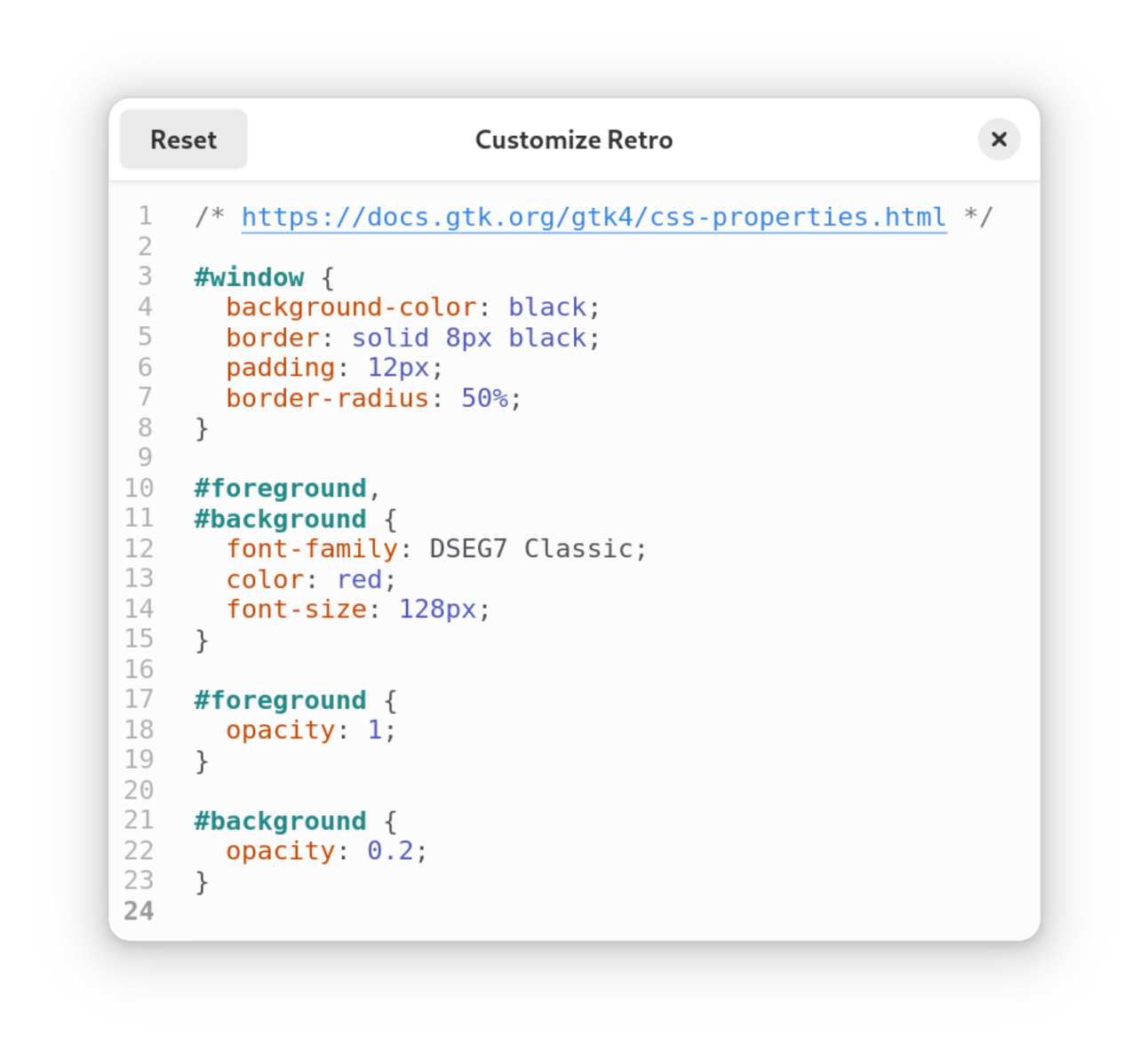
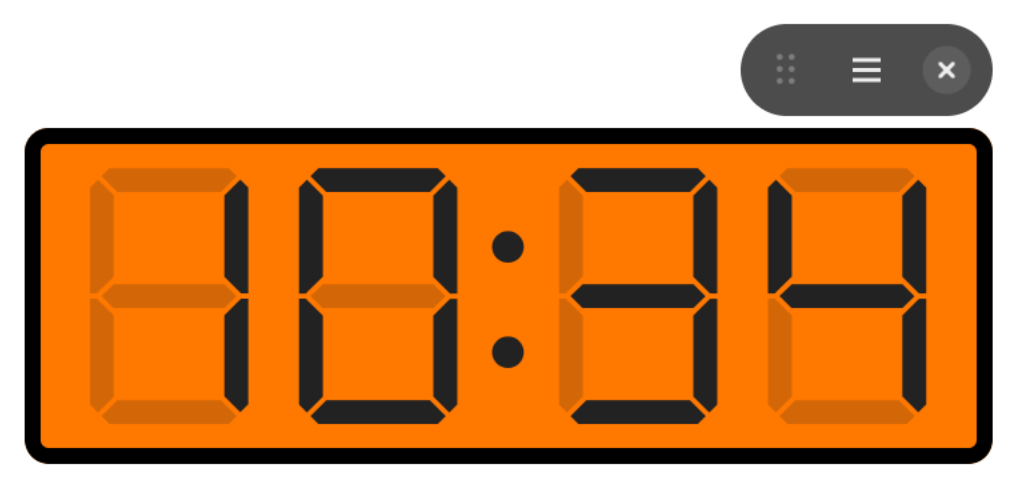
- Customizable Styling with CSS: Unlike rigid system widgets, this application allows you to completely alter its visual appearance using custom CSS, giving you unlimited control over colors, fonts, and borders.
- Flexible Window Modes: Run the clock in a standard window, maximize it to fill your workspace, toggle fullscreen mode, or integrate it seamlessly into tiling window managers.
- Time Format Toggle: Easily switch between standard 12-hour and 24-hour military time formats to suit your personal preference.
- Smart Window Memory: The app automatically restores your custom window size and position upon launch, eliminating the need for daily reconfiguration.
Who is this Linux Widget For?
The Retro digital segment clock is an excellent addition to several desktop setups. It is perfect for developers and power users who utilize tiling window managers and want a highly customizable clock block. It also serves as an excellent screen filler for secondary displays or dedicated informational dashboards. If you appreciate retro-inspired aesthetics combined with modern CSS customization, this lightweight tool is a perfect fit for your workspace.
A Minimalist Clock Worth Trying
By focusing purely on time display without unnecessary bloat, this app delivers a polished, reliable, and highly configurable visual experience. If you are ready to elevate your desktop layout, head over to the official Flathub store page to explore the Retro digital segment clock today.
Rate the App
User Reviews















Popular Apps






Editor's Choice